MyPlace IQ Support and Resources
GETTING MYPLACEIQ APP
The MyPlaceIQ app can be installed on your phone or tablet running iOS or android.
For iOS devices:
Scan the QR code to download the app or you can search for “MyPlaceIQ” in App Store.
For Android devices:
Scan the QR code to download the app or you can search for “MyPlaceIQ” in Google Play Store
When you run the MyPlaceIQ app for the first time, it will request three permissions:
Location: This is for local weather update which used by action automation.
Notification: This is for alerts from Garage door, weather, motions sensors and more.
Local Network: This allows the app to search for your QHub device. Without this permission, the app won’t be able to locate your QHub on your home network.
Is your home WiFi connected yet?
If No you can still control your system via bluetooth.
See the video below
If Yes once you’ve downloaded the app, you’re all set!
It's very user-friendly, but if you need it, below is the user manual
MyPlaceIQ User Manual
MyPlaceIQ User Manual for when your wiFi is connected
No Wall Controller — By Design
MyPlaceIQ is built for modern homes — which means no bulky wall controller and no confusing switches. Instead, control is moved to where it’s most convenient: your phone or tablet.
That means you can adjust temperatures, turn zones on/off, and manage your comfort from anywhere, at any time.
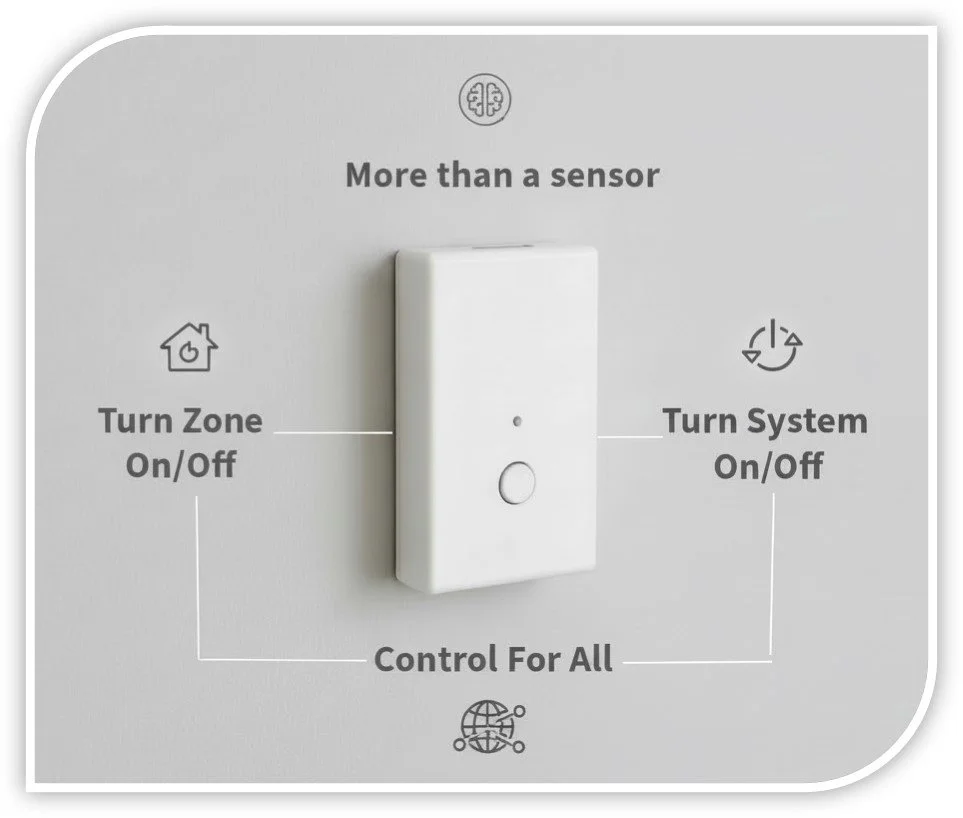
Want a button on the wall? Sensors give you both.
If you’d prefer the option of turning the system or zones on/off with a physical button, MyPlaceIQ sensors are the perfect solution.
Sensors:
✅ monitor temperature for better comfort control
✅ can be programmed to turn a zone on/off
✅ can be programmed to turn the whole system on/off
✅ can be set up differently in each room depending on how you use the space
Each sensor can be programmed to perform a specific action — just ask our team or your White Glove technician about the best setup for your home.